
Social media platforms quietly shift their default settings, roll out new features, and expand data-sharing agreements — often without sending you a single notification. One day your profile feels locked down; the next, a new update has flipped your post visibility back to public. For young adults across Europe, the stakes are especially high. You're navigating platforms built to collect and monetize your data, all while GDPR promises protection that doesn't always filter down to your personal feed. Here are 10 concrete, actionable steps to take control of your privacy right now.
Table of Contents
- Check and adjust your basic privacy settings
- Control messages, tagging, and contact vectors
- Manage app permissions and off-platform tracking
- Recognize and avoid scams, deepfakes, and data leaks
- Privacy rules for young Europeans: platform practices and EU guidance
- Why privacy is more than toggles: what most guides miss
- Next steps: strengthen your online privacy with expert guides
- Frequently asked questions
Key Takeaways
| Point | Details |
|---|---|
| Monthly privacy checkups | Review your privacy settings every month to keep pace with platform changes. |
| Limit who can contact you | Control tags, messages, and mentions to reduce unwanted interactions. |
| Watch app permissions | Regularly review what apps and trackers can access on your account. |
| Beware of scams | Never share personal info or money with unknown contacts, even if they look real. |
| Know your EU rights | EU regulations give you added protections—use platform tools designed for your region. |
Check and adjust your basic privacy settings
After understanding how privacy can slip through the cracks, it's crucial to begin with your core account settings. This is the foundation everything else builds on.
Every major platform has a privacy or security section buried in settings. Make it a habit to actually go there. A proper privacy review checklist covers more ground than most people expect.
A solid starting point is to check your post visibility settings: who can see your posts, whether your profile shows up in search engines, and whether you're sharing your location or contact details without realizing it. These three checks alone can close off a lot of exposure.
Here's what to look for in each review:
- Who can see your posts: Switch from "public" to "friends" or "followers only" wherever possible.
- Search engine indexing: Many platforms let Google and other search engines index your profile. Turn this off unless you actively want to be findable.
- Profile discoverability: Disable the option to be found by phone number or email address, especially on platforms you use casually.
- Location data: Remove any previously shared location tags from old posts if the platform allows it.
- Story/highlights visibility: Archived stories and pinned highlights are often overlooked but can still be public.
One thing people miss: even a "private" account leaks information. Your profile photo, username, bio, and follower count are often still visible to anyone, even non-followers. This matters if your bio contains your city, school, or workplace. Think carefully about what you include there.
When it comes to building your presence safely online, the goal isn't to disappear — it's to share on your own terms.
Pro Tip: Set a monthly calendar reminder labeled "privacy checkup." Platforms update their menus and default settings regularly. What was locked down last month might be open again today.
Control messages, tagging, and contact vectors
Once your basic privacy settings are configured, the next layer of control is deciding who can reach or reference you directly.
Tagging and mentions are a major privacy gap. Someone can tag you in a photo or post that reveals your location, your social circle, or your routine — without you ever approving it. Take the time to lock down contact vectors: control who can message you, who can tag or mention you, and who can interact with your content.
Follow these steps to tighten this layer:
- Set DM controls: On most platforms, you can restrict direct messages to people you follow or mutual connections only. Do it.
- Enable tag review: This lets you approve or reject any post you're tagged in before it appears on your profile.
- Restrict mentions: Limit who can mention your username in comments or posts to followers only.
- Hide your follower/following lists: Publicly visible friend lists help scammers map your social network.
- Manage comment permissions: You can often filter out specific words or restrict comments to verified followers.
- Turn off "suggest account" features: Platforms use your phone number and email to recommend you to strangers. Disable these options in your contact settings.
Most platforms default to wider connection — lock down tagging and mention controls for best privacy.
These are not one-and-done steps. When platforms roll out new features, they sometimes add new contact or tagging options that default to wide open. Check back regularly, especially after major app updates.
If you ever feel unsafe online, knowing how to protect yourself from scams and unwanted contact is essential.
Pro Tip: After restricting contact settings, do a quick test. Ask a trusted friend who doesn't follow you to search your profile and try to tag you. You'll see exactly what strangers can access.
Manage app permissions and off-platform tracking
Beyond visible settings, your privacy also depends on how third-party connections and trackers are handled. This is the part most users skip entirely, and it's where a surprising amount of data quietly flows out.
When you sign in to a quiz, game, or third-party website using your social account, you're granting that app access to your data. Old connected apps you forgot about may still have active permissions years later. Review connected apps and reduce the permissions you've granted to keep your data from leaking into unknown corners of the internet.
Beyond connected apps, platforms track your behavior off their own sites. This is called off-platform tracking. It means a social network can know which news articles you read, which products you viewed, and which videos you watched, all based on tracking pixels and cookies embedded in other websites. For better managing data for privacy, start by auditing what you've already connected.
Here's a breakdown of common permissions and how to handle them:
| Permission type | Why platforms want it | Best practice |
|---|---|---|
| Camera | Photo posts, live video | Allow only while using the app |
| Location | Geotagging, local ads | Deny or set to "never" |
| Contacts | Account suggestions, sync | Revoke completely |
| Browsing history | Ad profiling | Opt out via platform privacy settings |
| Microphone | Voice features, Stories | Allow only while using the app |
What you should do regularly:
- Go to your platform's "Apps and Websites" or "Connected Services" section and remove anything you no longer use.
- On your phone, check app permissions directly in your device settings, not just in the app itself.
- Decline or customize cookie consent prompts instead of clicking "accept all."
- Use your browser's privacy settings or a tracking blocker for extra protection when browsing outside the app.
Recognize and avoid scams, deepfakes, and data leaks
Locking down technical settings helps, but social privacy is also about spotting and outsmarting new threats like scams and deepfakes.
Scammers don't need to hack your account. They just need your public photos, your name, and a little creativity. AI tools can now generate deepfakes, which are realistic fake videos or audio clips using your face or voice, from just a handful of publicly available images. This technology is increasingly used in social scams to impersonate people, fake emergencies, or trick your contacts into sending money.
Social media scams cost users over $2.1 billion in a single year, according to the FTC. That number keeps climbing as AI-powered fraud becomes cheaper and easier to run.
Here's how to reduce your exposure:
- Audit your public photos. If your profile is public, go through recent posts and remove images that show your home, car, school, workplace, or daily routine.
- Never click unknown links in DMs. Even if the message appears to come from a friend, their account may be compromised.
- Verify unusual requests. If a "friend" DMs you asking for money or personal info, call or text them through a separate channel to confirm it's really them.
- Report suspicious accounts. Platforms act faster when users report fake profiles. Don't just ignore them.
- Search yourself. Do a reverse image search of your profile photo occasionally to see if someone is using it elsewhere.
For more guidance on detecting fake news and scams, knowing what red flags look like will save you a lot of stress.
Privacy rules for young Europeans: platform practices and EU guidance
Finally, understanding privacy means recognizing where your personal controls end and where EU law and platform practices take over.
The GDPR (General Data Protection Regulation) gives European users strong rights over their data, including the right to access, delete, and object to how it's used. The DSA (Digital Services Act) adds rules about how platforms manage algorithmic content and transparency. Together, these laws set a floor for how platforms must treat you, but they don't eliminate risk. You still need to act.
EU regulators at the EDPB have published clear guidance on how ad targeting and profiling operate across platforms, and what rights users have to push back. The key takeaway: targeting and profiling often happen at the platform infrastructure level, not just because of your privacy settings.
Quick privacy wins recommended by EU regulators and the ICO:
- Set your profile to private by default, especially if you're under 18.
- Turn off geolocation features and remove location data from past posts.
- Opt out of personalized advertising in platform settings whenever possible.
- Exercise your GDPR right to access your data by downloading your data file from each platform.
- Submit a data deletion request if you decide to leave a platform for good.
Here's how individual control compares to what platforms are required to enforce:
| What you control | What EU law requires platforms to do |
|---|---|
| Who sees your posts | Default privacy settings for minors |
| Tagging and mentions | Transparent data processing disclosures |
| App permissions | Opt-in for non-essential data uses |
| Ad personalization opt-out | Clear, accessible consent mechanisms |
| Data download/deletion requests | Respond within 30 days under GDPR |
Understanding how EU privacy rules affect platforms helps you use your rights effectively, not just your settings. And when it comes to social privacy across Europe, the regulatory landscape is your ally — use it.
Why privacy is more than toggles: what most guides miss
Most privacy guides give you a list of settings to switch and call it done. That's a good start, but it misses the bigger picture.
Here's what we've seen play out repeatedly: a user spends 20 minutes hardening their Instagram settings, then logs into a third-party app using that same Instagram account and inadvertently hands over everything they just locked down. Platform ecosystems enable data flows through off-app tracking, connected accounts, and profiling that operate entirely outside your privacy menu. The "public vs. private" framing makes privacy feel like a binary switch. It isn't.
The reality is that data flows in media are continuous and layered. Even deleted posts leave metadata. Even private accounts are visible to the platform itself and its advertising partners. Even a perfect settings configuration doesn't protect you from what apps do with data once they have permission. GDPR frames privacy as a system-level design principle, not a user responsibility checkbox.
What actually works is a privacy practice, not a privacy setting. That means regular reviews, skepticism about what you connect, and an understanding that the platform's business model rarely aligns with your desire for privacy. The uncomfortable truth is that most social platforms are built to share data, not protect it. Your settings are real, but they work within boundaries the platform defines.
We'd also challenge the idea that younger users "don't care about privacy." Research consistently shows that young Europeans are very aware of privacy risks. The barrier is often not awareness but the friction involved in actually changing settings across multiple platforms, in multiple languages, after every update. That's a design problem, not a user problem.
Next steps: strengthen your online privacy with expert guides
You've just covered the core of social media privacy from settings to scams to EU law. Now it's time to go deeper.
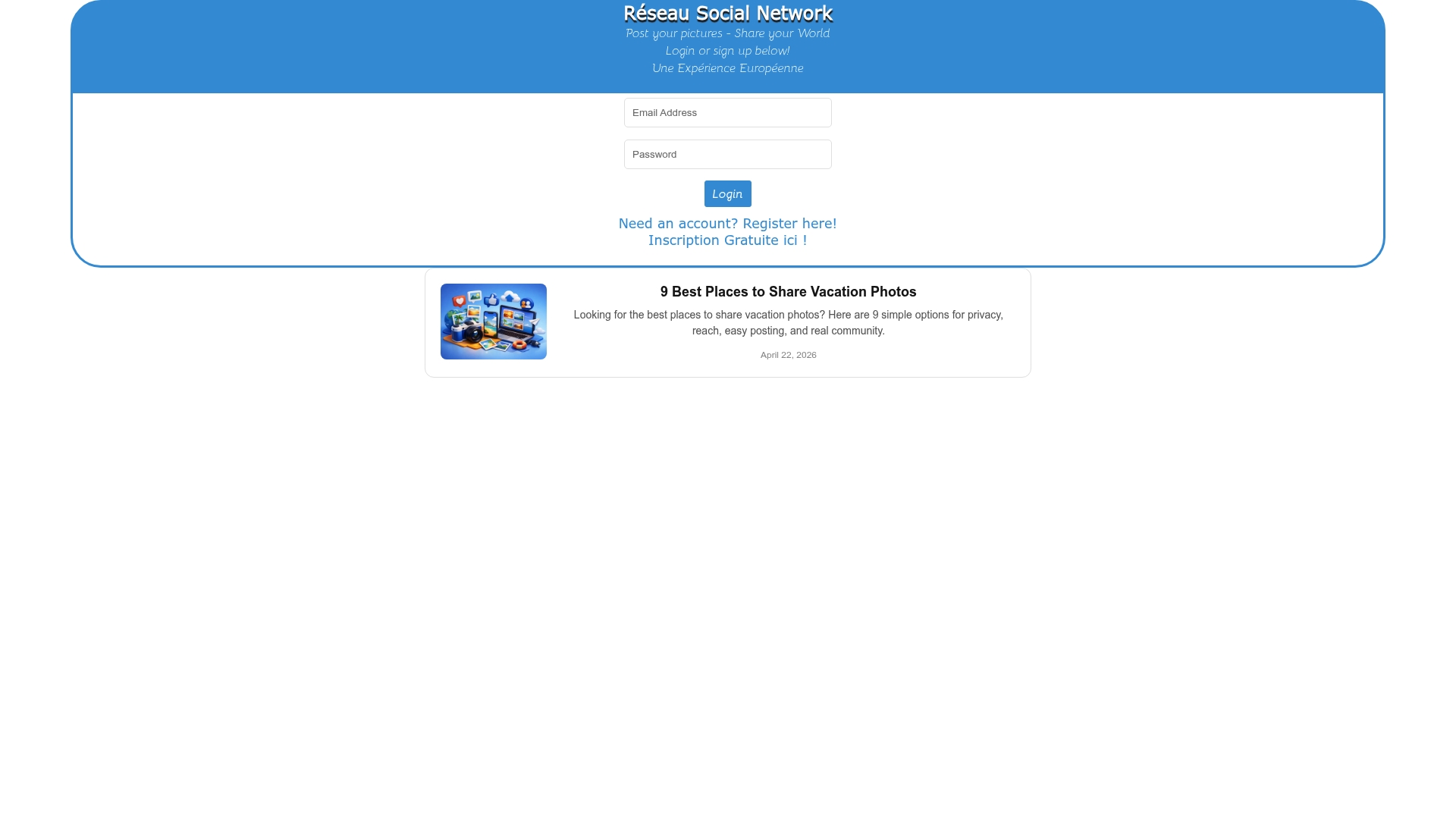
Whether you're building your presence on a new platform or tightening what you've already shared, there are resources built specifically for users like you. Explore advanced social media privacy guides that go beyond basic settings and show you how to manage your data footprint strategically. If you're part of or building a community online, check out guidance on building safe communities that prioritize both connection and protection. And when you're ready to share your experiences in a space designed with European values in mind, visit experience.eu.com to join a community that celebrates authentic sharing on your own terms.
Frequently asked questions
How often should I review my social media privacy settings?
Check your privacy settings at least once a month to catch changes made by platforms and stay protected. Platforms change their menus and defaults far more frequently than most users realize.
Does setting my account to private keep my data 100% secure?
No. Even a private account still exposes your profile photo, bio, and username, and you still need to manage tags and app access to stay protected. Private is better than public, but it's not a complete solution.
Why do I see ads on social apps even after changing privacy settings?
Most platforms use off-app tracking and profiling that operates beyond your privacy settings, targeting you based on behavior across the entire internet. Changing in-app settings only reduces one part of the data collection chain.
How can I minimize scam risks on social media?
Never share personal info or payment details in DMs, and always be skeptical of links in friend requests or messages, even from people you know. When in doubt, verify through a separate channel before responding.
What privacy rules protect young people in Europe?
European laws like GDPR require platforms to handle your data transparently and give you deletion rights, while children's profiles must be private and geolocation off by default under ICO guidance. These rules give you real leverage — but you have to know they exist to use them.